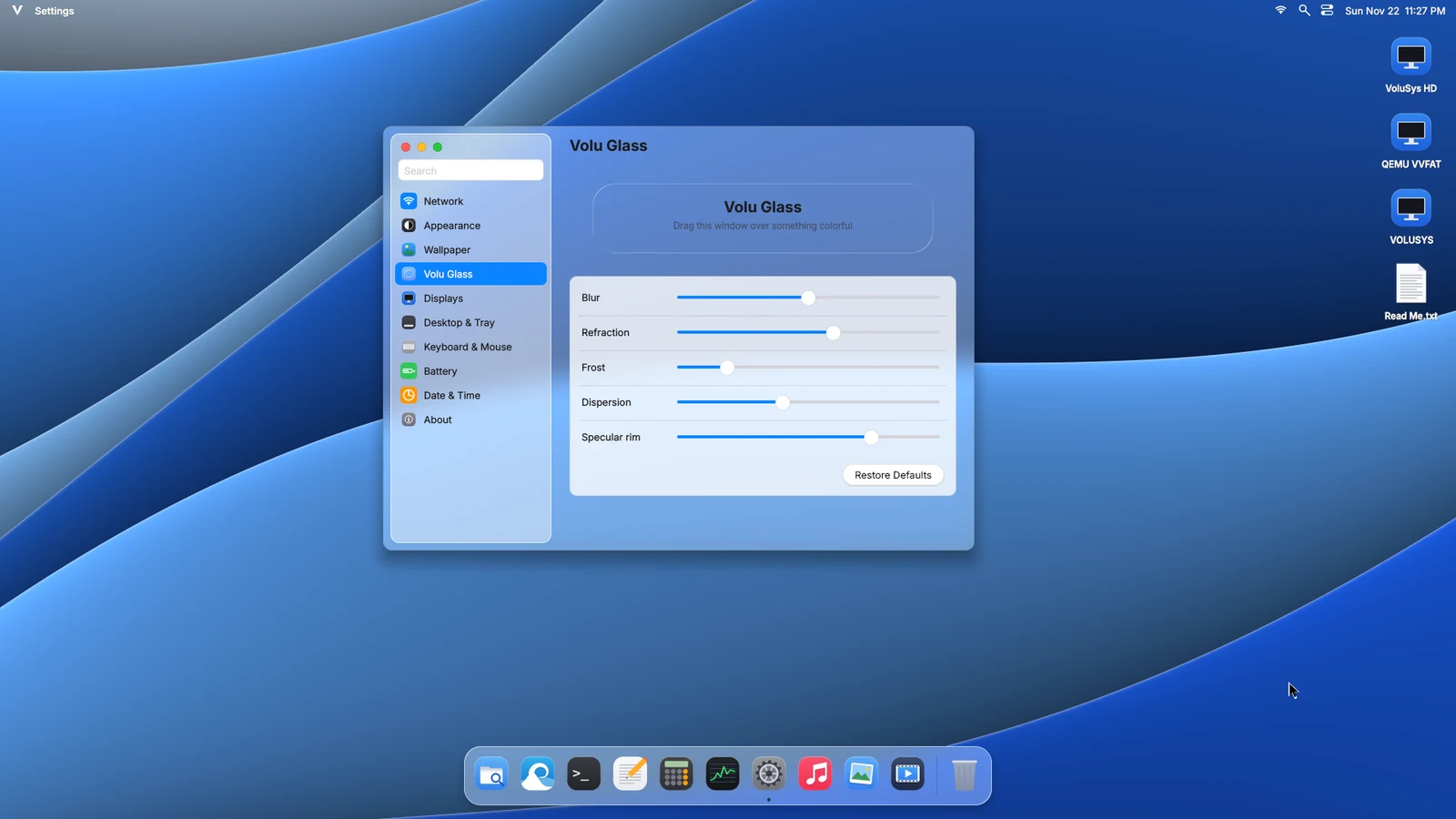
Every translucent surface in VoluSys goes through a single function, glass_draw(). Here’s what it does to each pixel, and why it looks like glass rather than frosted plastic.
Start with distance
For each pixel the compositor computes its signed distance to the rounded rectangle’s edge, and the outward normal there. Everything else is a function of those two numbers.
A lens at the rim
Real glass refracts most strongly at its rounded edge. Inside a bezel band, VoluSys samples the backdrop from further inside along the normal. The offset follows 1 − √(1 − u²), the profile of a convex lens, so the backdrop bends into the edge while the middle stays sharp.
A little colour
Red, green and blue are sampled at slightly different offsets along the normal. The fringe is subtle, but it is what makes the rim read as a real material.
Frost, tint and light
A downsampled, blurred copy of the backdrop is blended in, saturation is boosted, and a light or dark tint is mixed at each material’s frost level. Finally a hairline highlight is added. It is brightest where the edge faces the top-left/bottom-right light axis, so every window catches the light the same way.
Try it in your browser
The volu.systems home page runs the same lens profile as an SVG displacement map, with the same five sliders as Settings. The compositor docs go deeper.
More from VoluSys News · RSS